


 CLZ Music
Mobile app for iOS & Android
CLZ Music
Mobile app for iOS & Android
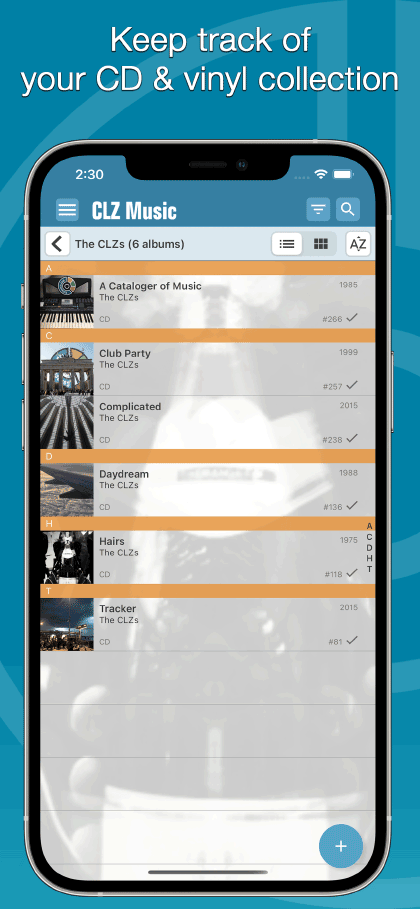
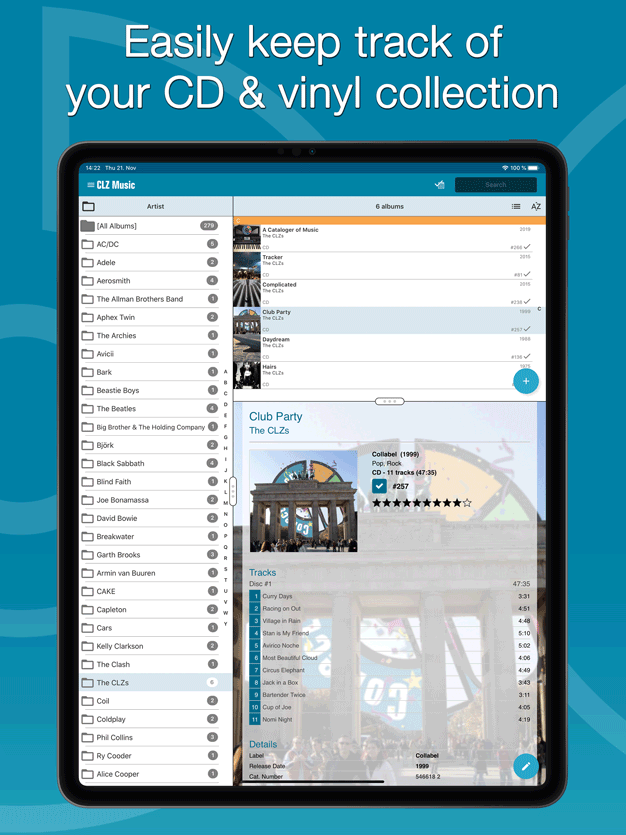
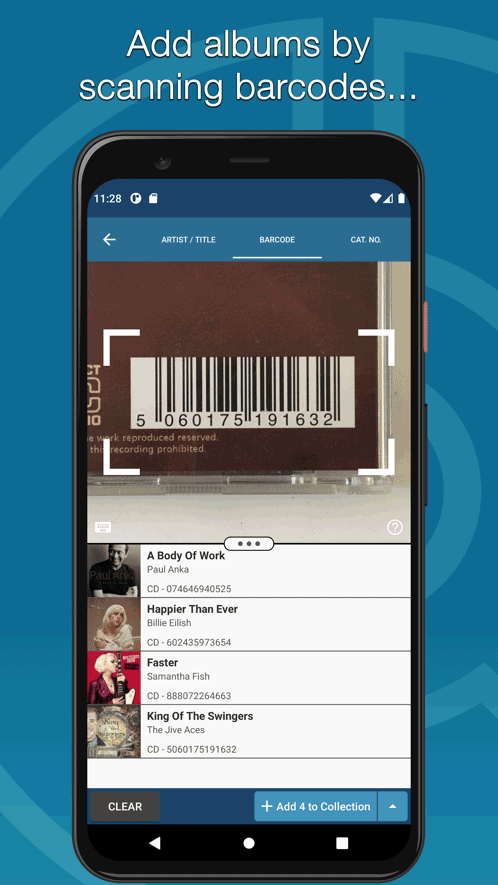
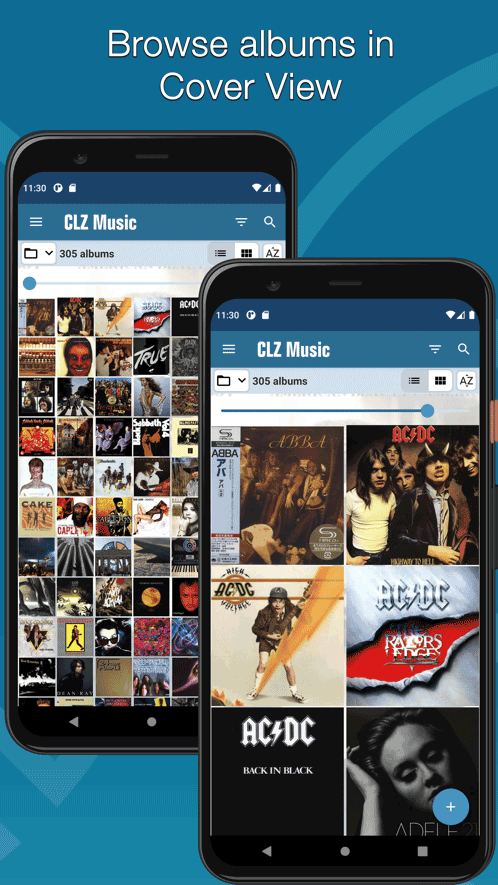
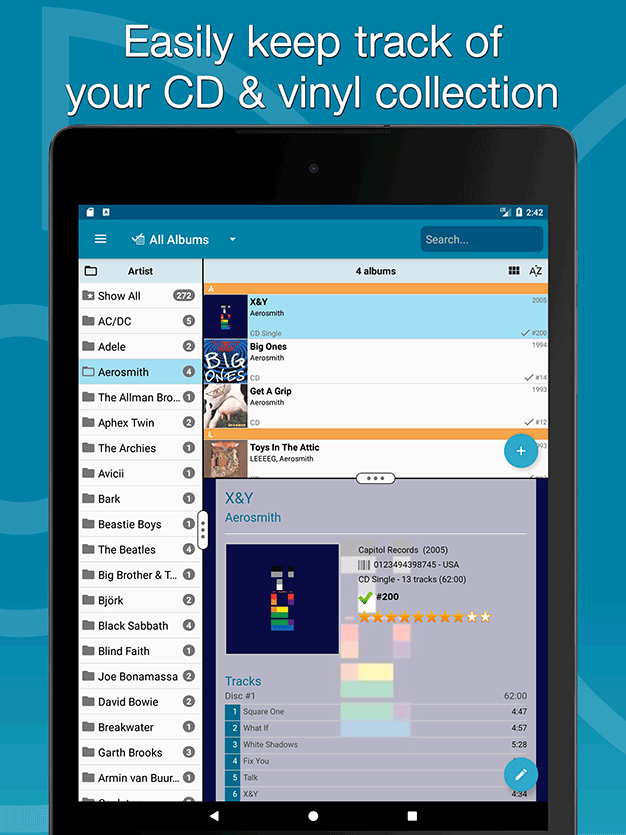
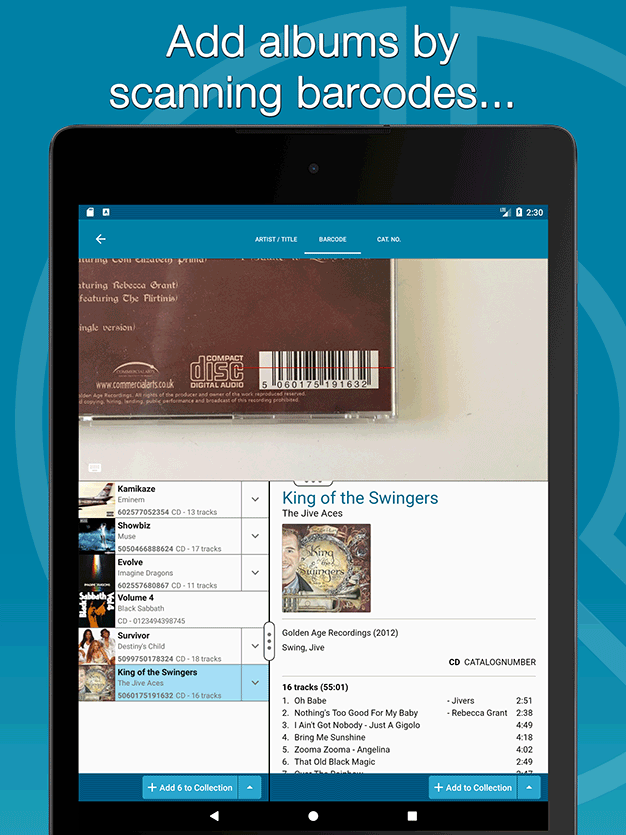
Easily catalog CDs and vinyl records on your phone or tablet

Last updated:
Nov 22, 2023 Dec 6, 2023
Try the CLZ Music app FREE


USD $14.95
per year
subscription includes all
app updates + online services
app updates + online services

Tip: use CLZ Music together with the Music Connect web-based software
Our Music Connect web-based software is a great companion to the CLZ Music mobile app, as it lets you work on your collection on your computer. That is, on a big screen, with a real keyboard and mouse.
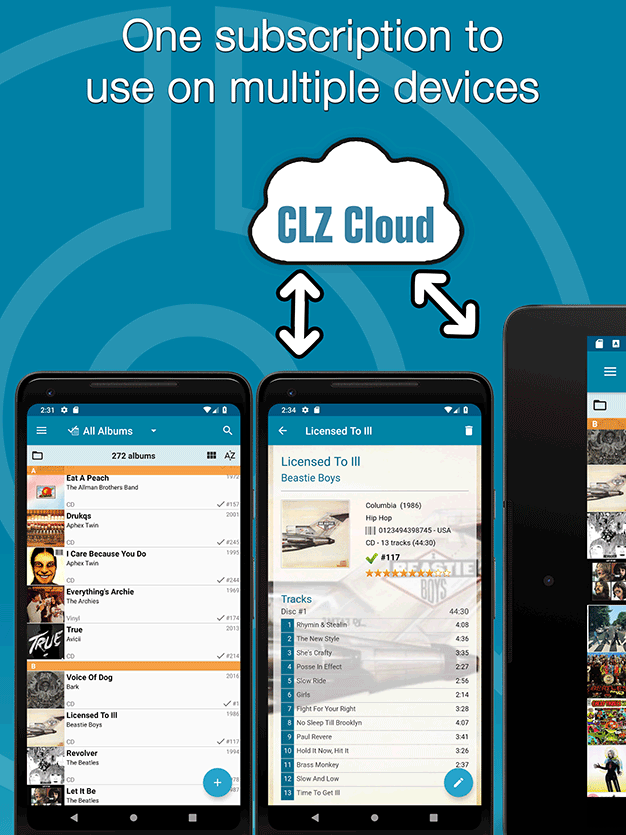
Of course, you can easily sync your collection data between them through our CLZ Cloud.

CLZ Music
1 year

Music Connect
1 year
USD $0.00
USD $0.00
save USD $0.00
iPhone


iPad


Phone




Tablet




Latest CLZ Music updates
iOS
v8.4.4: Added a new “Remove all unused pick list entries” option November 22nd, 2023
v8.4.3: Couple of fixes and changes November 7th, 2023
v8.4.2: Various bug fixes November 1st, 2023
v8.4: Easier access to Manage Pick Lists tool October 25th, 2023
v8.3: Pre-fill screen: Orange highlights and a Clear button October 16th, 2023
Android
v8.4.5: New “Delete CLZ Account” option December 6th, 2023
v8.4.4: Added a new “Remove all unused pick list entries” option November 22nd, 2023
v8.4.3: Couple of fixes and changes November 7th, 2023
v8.4.2: Various bug fixes November 2nd, 2023
v8.4: Easier access to Manage Pick Lists tool October 25th, 2023
CLZ Music reviews from customers
April 10, 2024
Great App, Awesome Customer Service!
I have been using this app for cataloguing my large LP collection for many years. I have found the app a wonderful way to track my collection, it’s easy to use, logical and well thought out. The app has saved me from buying records I already own, as my memory is not what it used to be!
Recently I ran into a glitch with the app. Alwin at CLZ Customer Service was very patient with me and very quickly resolved the issue. A great app with wonderful customer service.
HIGHLY RECOMMENDED!
Recently I ran into a glitch with the app. Alwin at CLZ Customer Service was very patient with me and very quickly resolved the issue. A great app with wonderful customer service.
HIGHLY RECOMMENDED!
March 29, 2024
Absolutely spot on!
Trying to put my music collection in some kind of semblance of order and found this. Absolutely spot on ! And not being a technophile I probably ask stupid questions to the help line from which I get quick and helpful answers both from the CLZ team and other app users.C an’t praise this site enough.
March 28, 2024
Absolutely fabulous
Great features and excellent support. Highly recommended.
March 05, 2024
Keep track of my music collection
Brilliant app and will be using this to keep track of my music collection from now on.
February 26, 2024
Neat
It's neat.
February 24, 2024
Easy to use
Very easy to use and keep updated.
February 24, 2024
Meine Sammlung
Meine Sammlung immer dabei und immer noch die Beste Aüü.
February 13, 2024
Affordable cataloging app
Very good and affordable cataloging application. Using it almost daily.
February 12, 2024
Perfectly happy with CLZ Music
Extremely attractive graphic presentation. Easy to use: Intuitive and user friendly. Useful: All records and information at hand. Never again did I have to return a record (CD or Vinyl) after buying it for the 2nd time.
And most importantly, 10-star customer service: I’ve always received immediate replies and instructions to my questions. Thank you team CLZ.
And most importantly, 10-star customer service: I’ve always received immediate replies and instructions to my questions. Thank you team CLZ.
February 08, 2024
Solved all my problems of cataloging my CDs
This CLZMusic app has solved all my problems of cataloging my CDs. It works very well, it's complete, simple and intuitive. I'm extremely satisfied!!
Then the support service is really fantastic. For any need every member of the crew helps you immediately!
Amazing, simply amazing!
Then the support service is really fantastic. For any need every member of the crew helps you immediately!
Amazing, simply amazing!