


 CLZ Comics
Mobile app for iOS & Android
CLZ Comics
Mobile app for iOS & Android
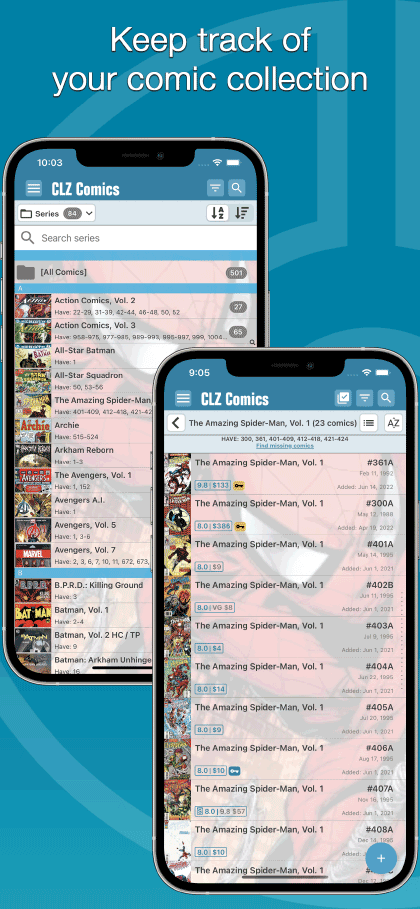
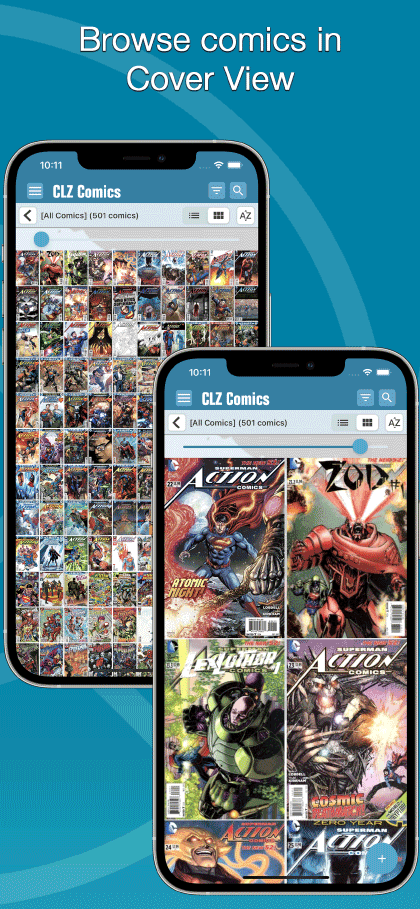
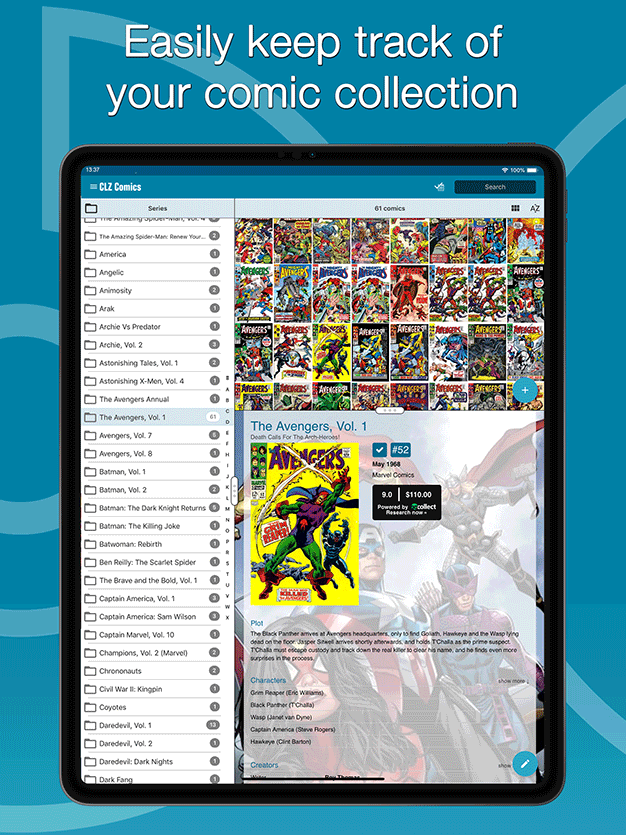
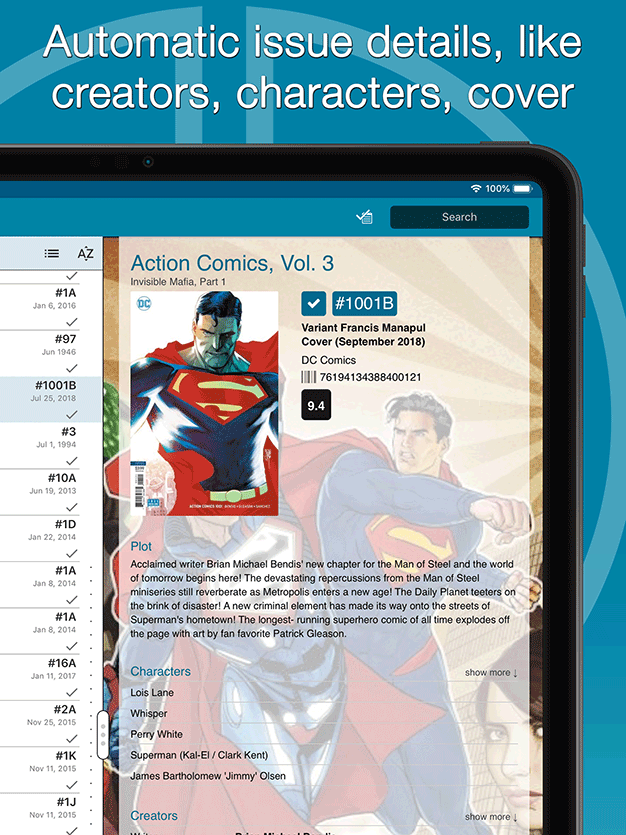
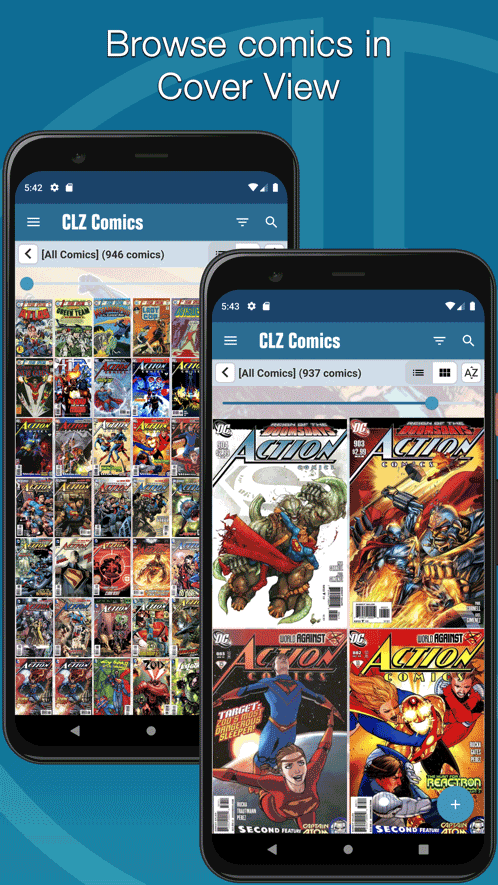
Easily catalog your comics on your phone or tablet

Last updated:
Apr 17, 2024 Apr 17, 2024
Try the CLZ Comics app FREE


app updates + online services
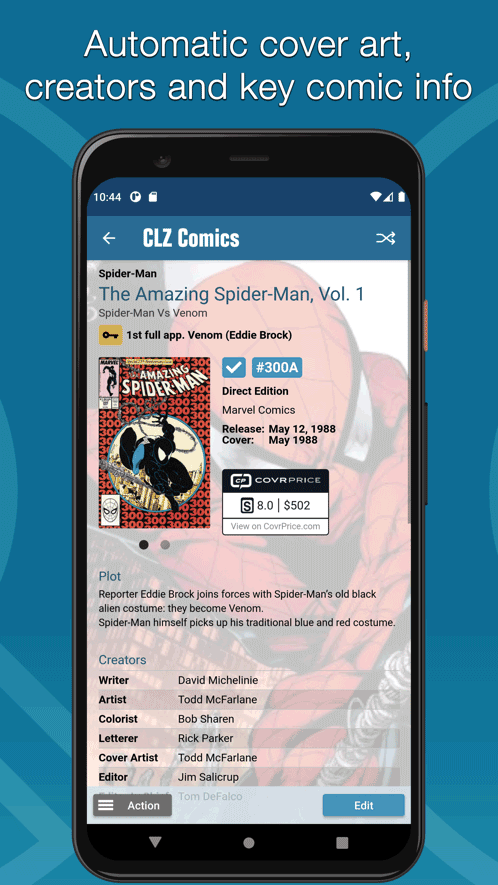
Get comic values from CovrPrice!
We are official CovrPrice partners
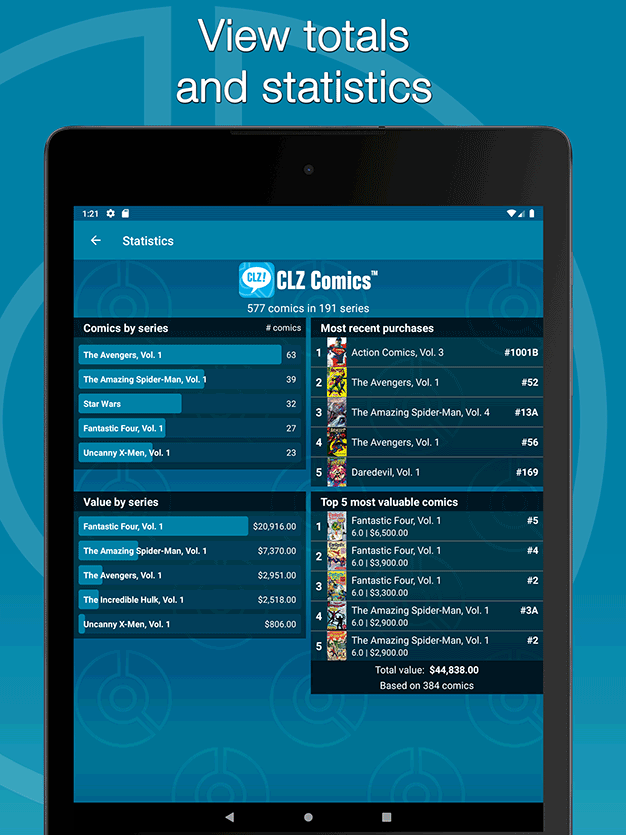
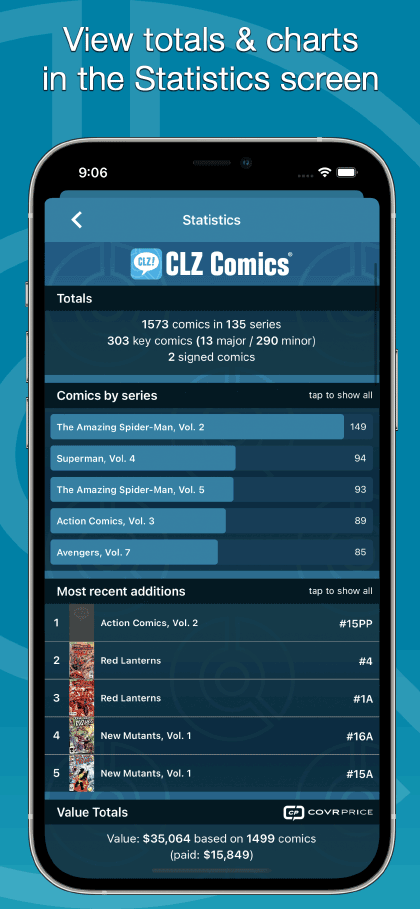
Did you know we have a partnership with CovrPrice.com, one of the best comic values services online? Through this partnership, you can get up-to-date comic values, right there inside your CLZ Comics app or Comic Connnect software.
How to get comic values from CovrPrice:
To get access to the comic values from CovrPrice.com, you will need a subscription to the CovrPrice "PREMIUM" plan (US $6.95 per month or US $60 per year).
To subscribe, use this special CLZ/CovrPrice Sign Up page and follow the steps there to
- Create an account
- Pay for the Premium plan and then...
- Link your CLZ and CovrPrice accounts

Tip: use CLZ Comics together with the Comic Connect web-based software
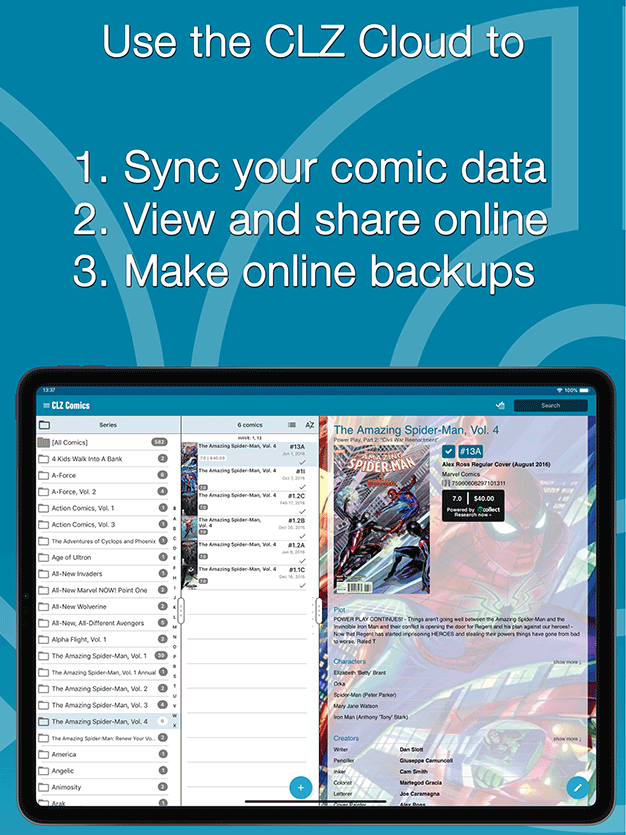
Our Comic Connect web-based software is a great companion to the CLZ Comics mobile app, as it lets you work on your collection on your computer. That is, on a big screen, with a real keyboard and mouse.
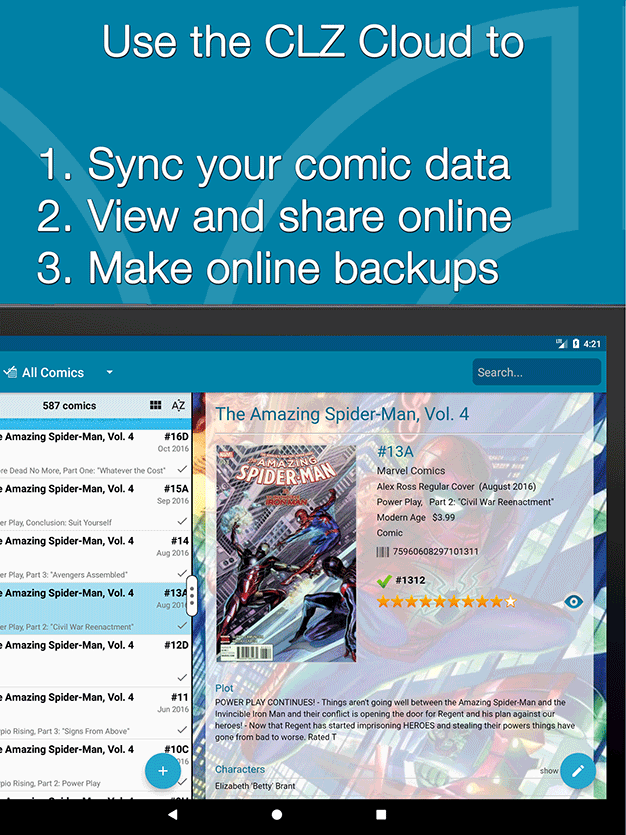
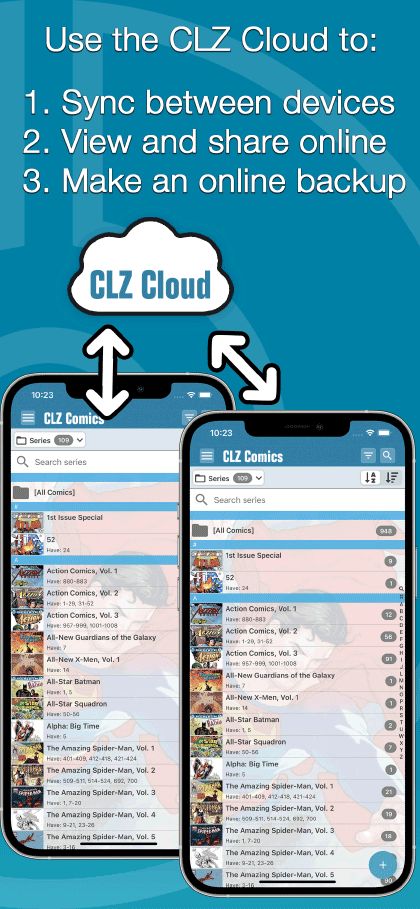
Of course, you can easily sync your collection data between them through our CLZ Cloud.


iPhone





iPad


Phone





Tablet