



 CLZ Comics
Mobile app for iOS & Android
CLZ Comics
Mobile app for iOS & Android
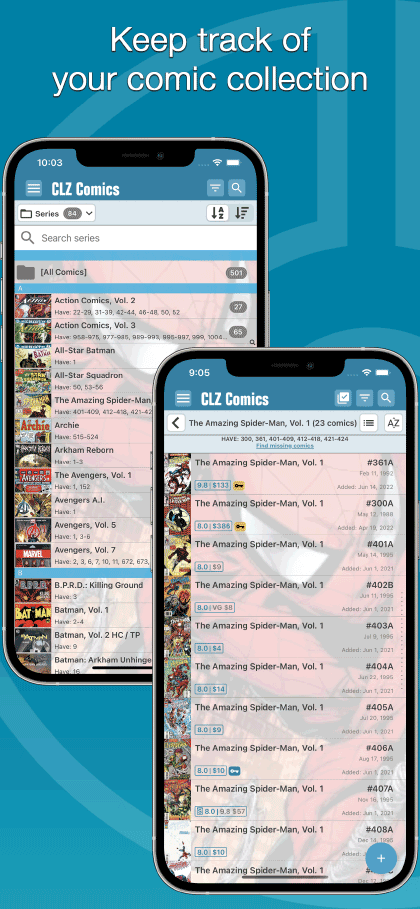
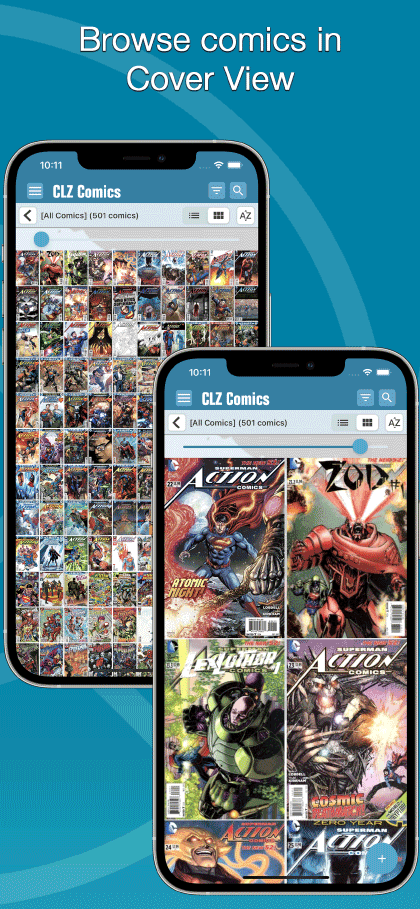
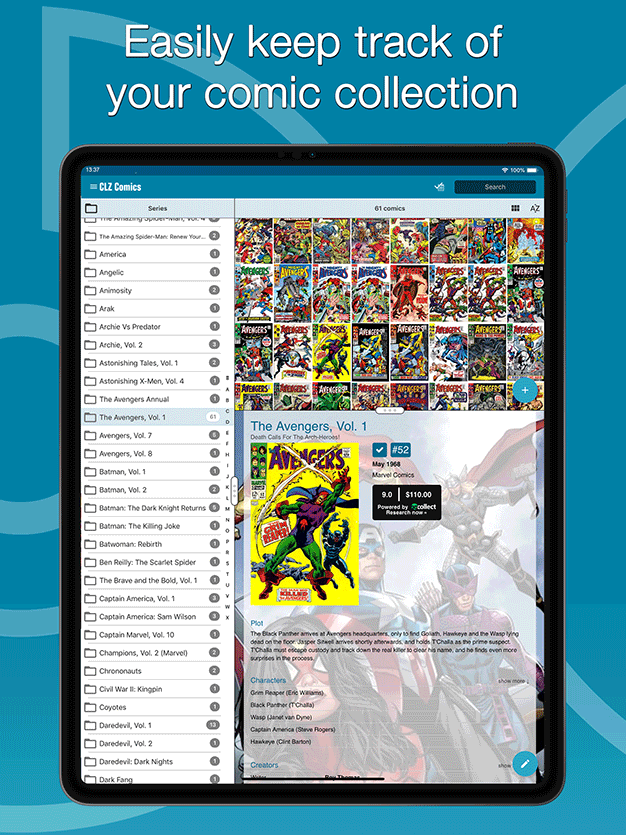
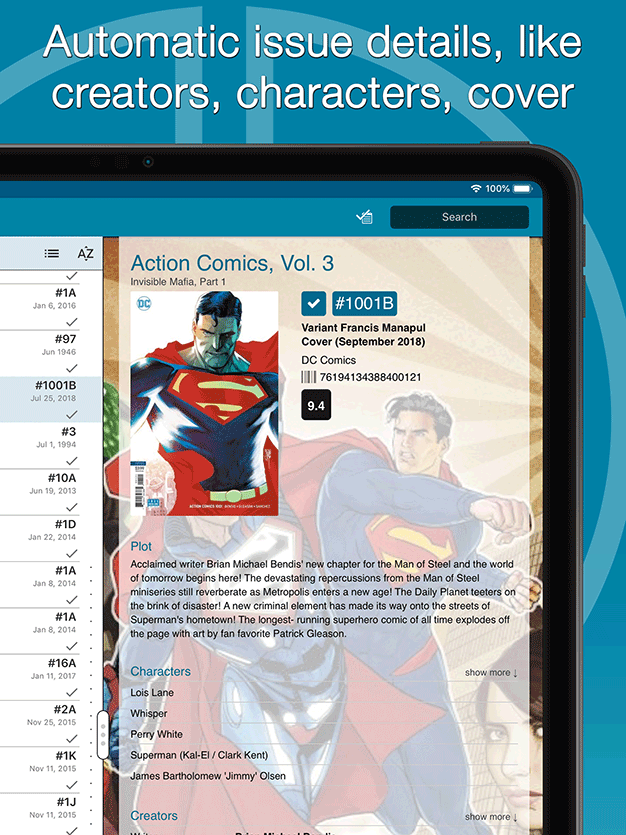
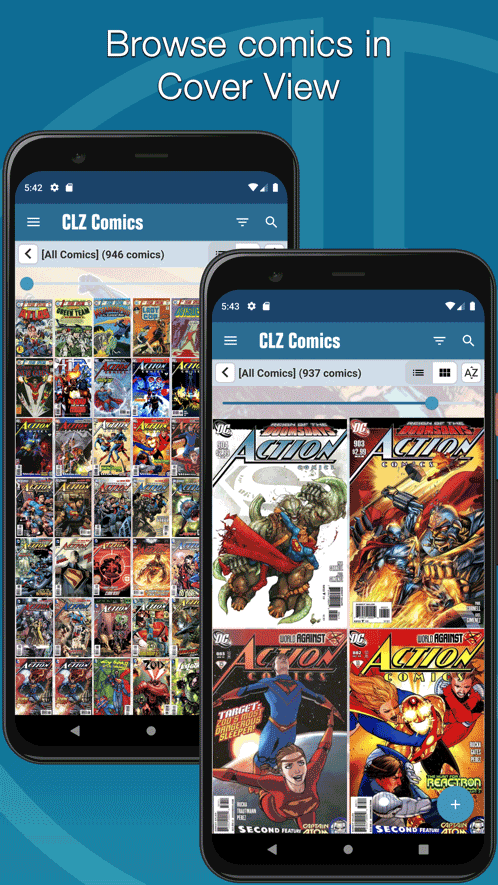
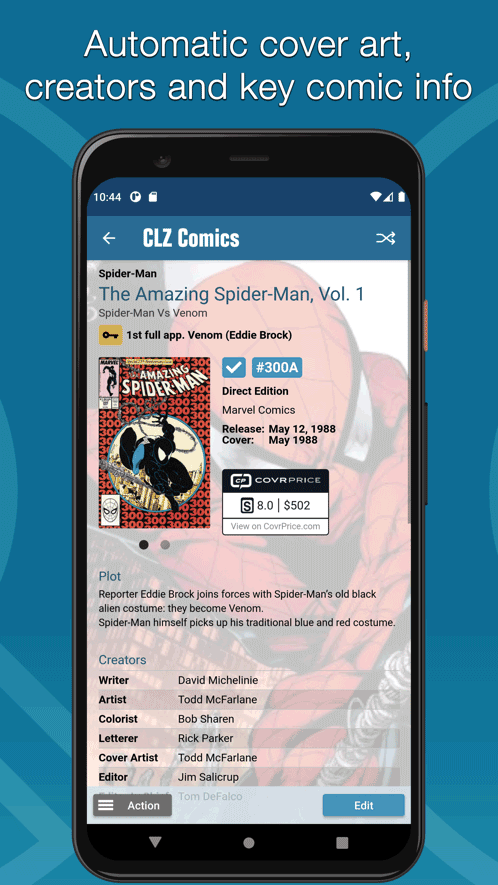
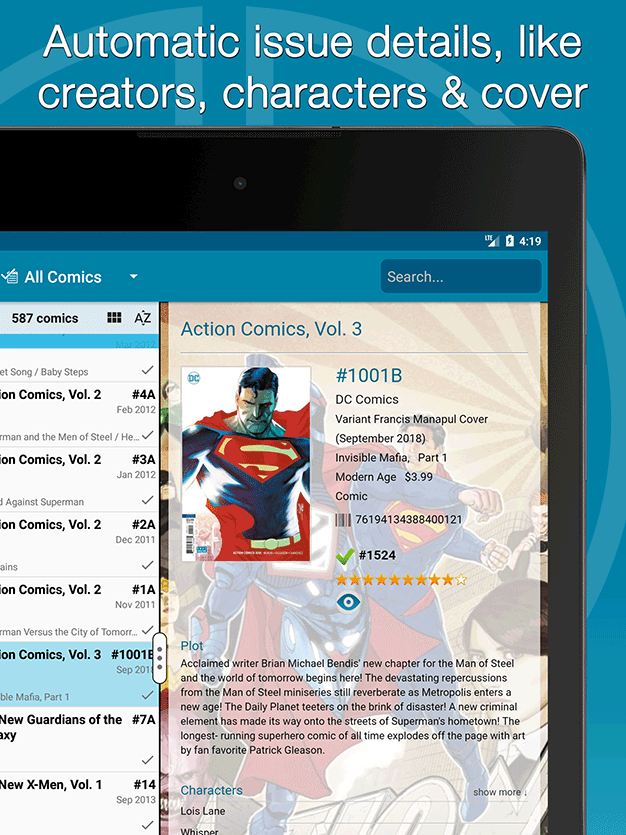
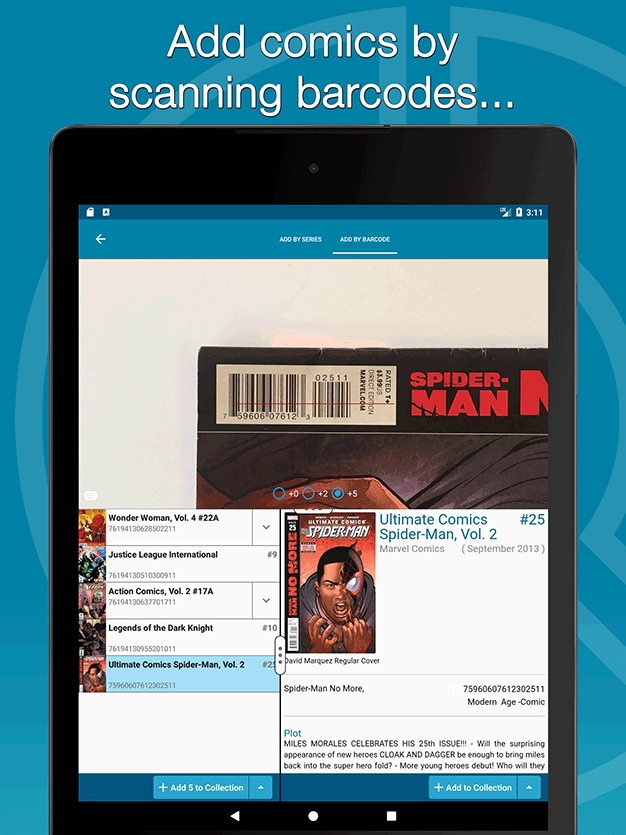
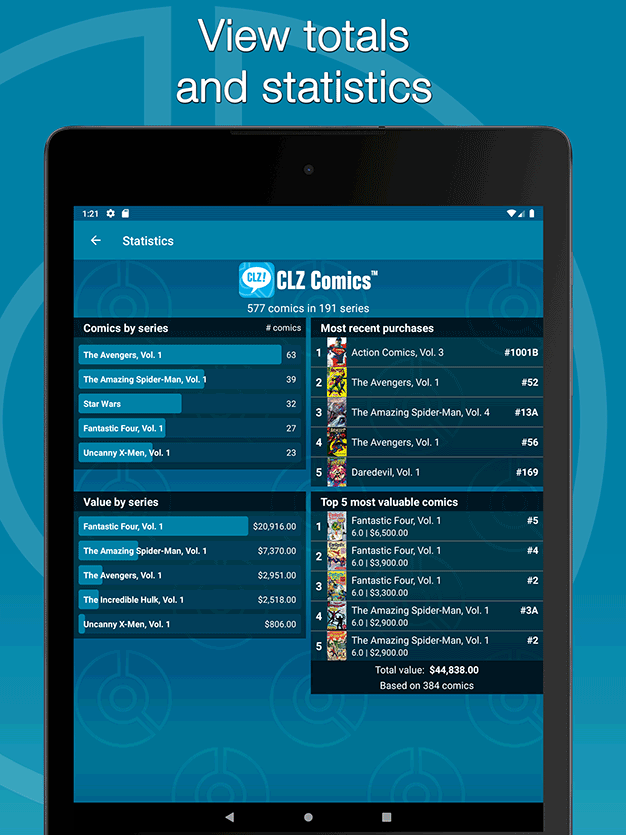
Easily catalog your comics on your phone or tablet

Last updated:
May 8, 2024 May 8, 2024
Try the CLZ Comics app FREE


app updates + online services
Get comic values from CovrPrice!
We are official CovrPrice partners
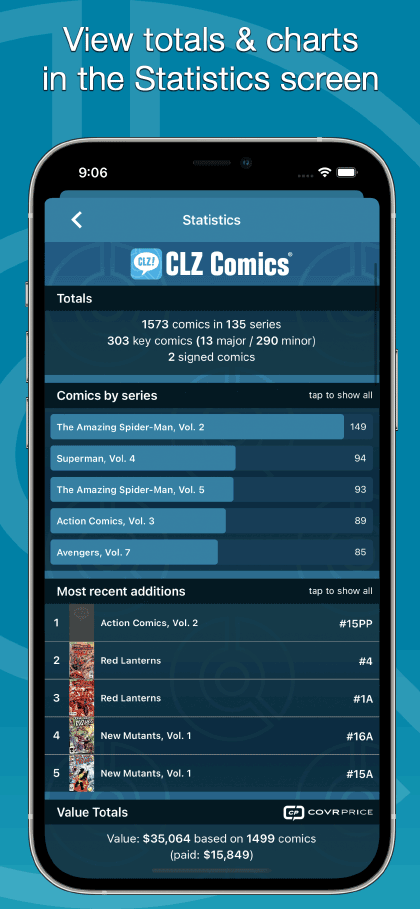
Did you know we have a partnership with CovrPrice.com, one of the best comic values services online? Through this partnership, you can get up-to-date comic values, right there inside your CLZ Comics app or Comic Connnect software.
How to get comic values from CovrPrice:
To get access to the comic values from CovrPrice.com, you will need a subscription to the CovrPrice "PREMIUM" plan (US $6.95 per month or US $60 per year).
To subscribe, use this special CLZ/CovrPrice Sign Up page and follow the steps there to
- Create an account
- Pay for the Premium plan and then...
- Link your CLZ and CovrPrice accounts

Tip: use CLZ Comics together with the Comic Connect web-based software
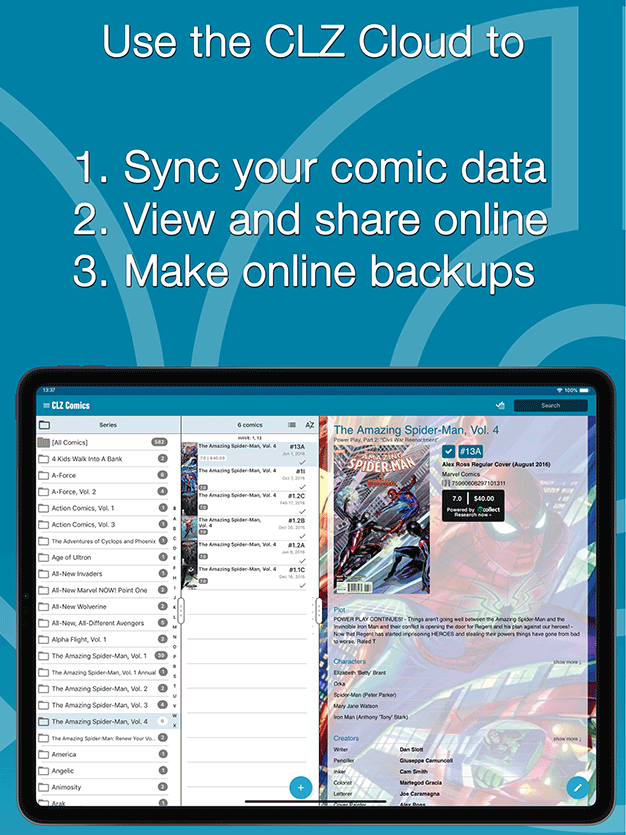
Our Comic Connect web-based software is a great companion to the CLZ Comics mobile app, as it lets you work on your collection on your computer. That is, on a big screen, with a real keyboard and mouse.
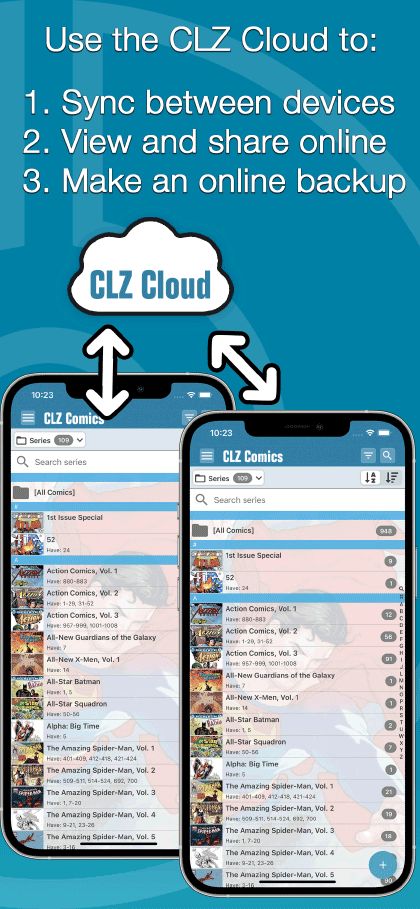
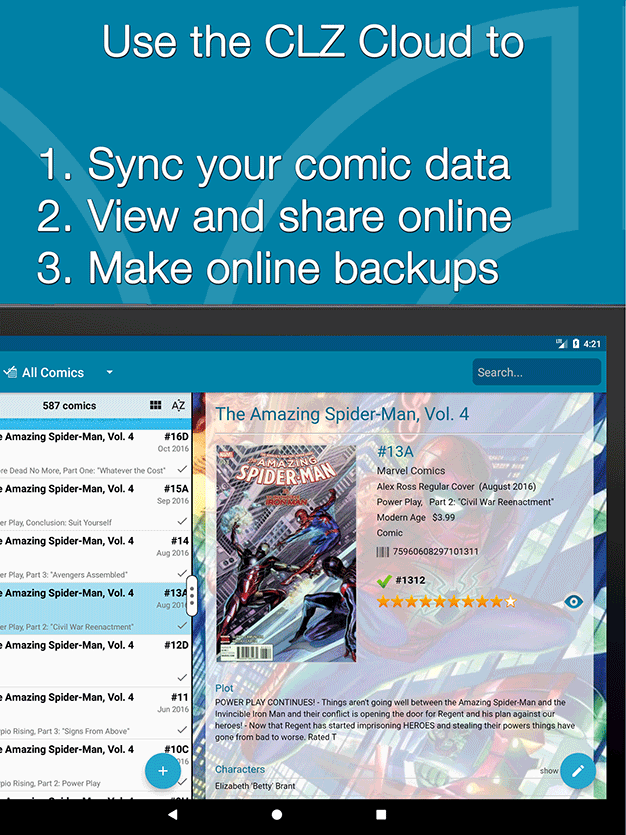
Of course, you can easily sync your collection data between them through our CLZ Cloud.


iPhone





iPad


Phone





Tablet




Latest CLZ Comics updates
iOS
Android
CLZ Comics reviews from customers
I had issues trying to figure out a way to mark comics as “signed by X” but I figured it out! This is a great app!
I recently had an issue syncing with the cloud, tech support was immediate and seamless. Issue was resolved in mere seconds.
Nothing but positive things to say about CLZ!!