


 CLZ Books
Mobile app for iOS & Android
CLZ Books
Mobile app for iOS & Android
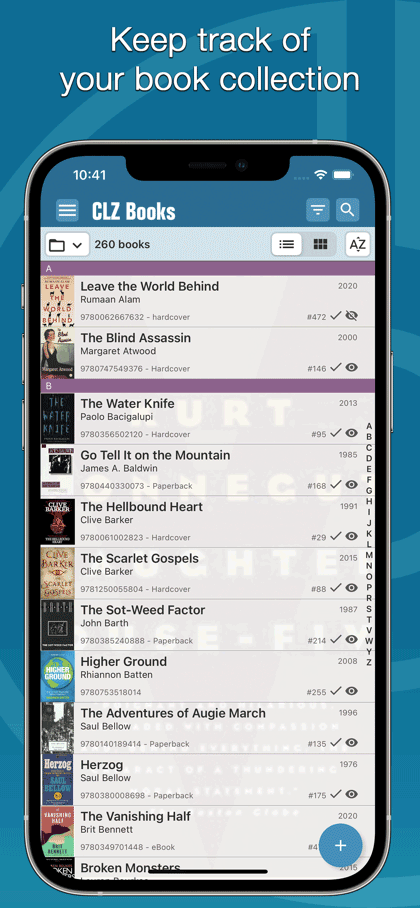
Easily catalog your books on your phone or tablet

Last updated:
Apr 24, 2024 Apr 24, 2024
Try the CLZ Books app FREE


USD $14.95
per year
subscription includes all
app updates + online services
app updates + online services

Tip: use CLZ Books together with the Book Connect web-based software
Our Book Connect web-based software is a great companion to the CLZ Books mobile app, as it lets you work on your collection on your computer. That is, on a big screen, with a real keyboard and mouse.
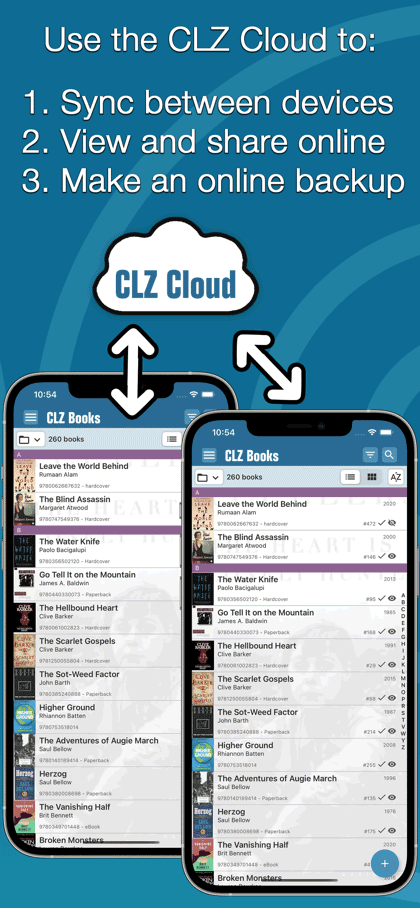
Of course, you can easily sync your collection data between them through our CLZ Cloud.

CLZ Books
1 year

Book Connect
1 year
USD $0.00
USD $0.00
save USD $0.00
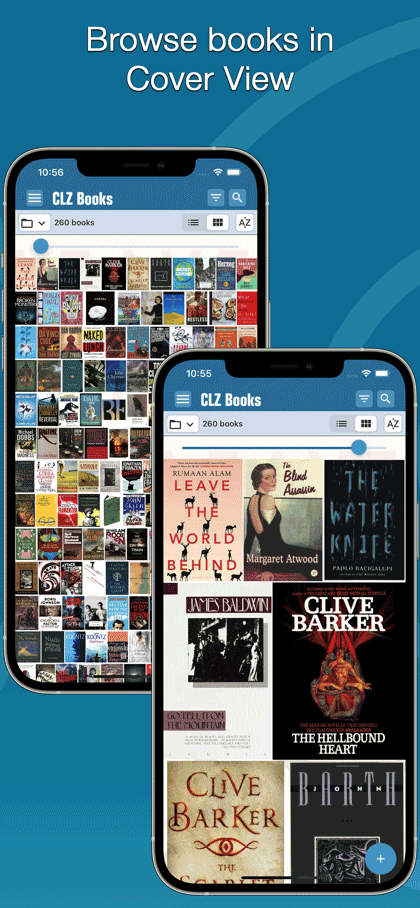
iPhone




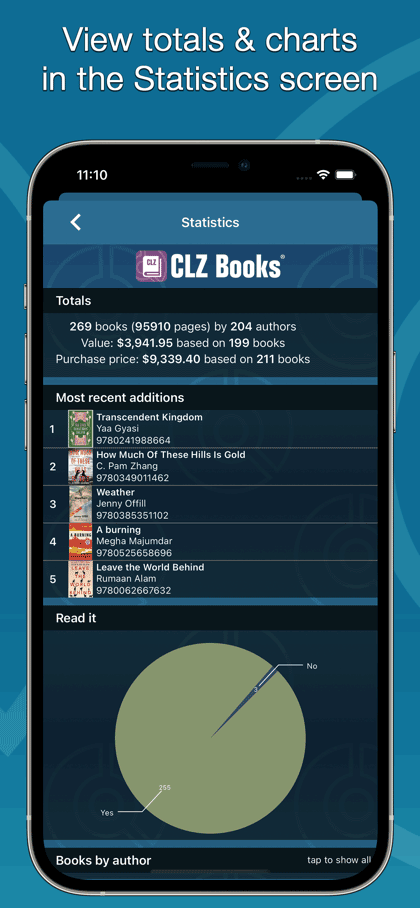

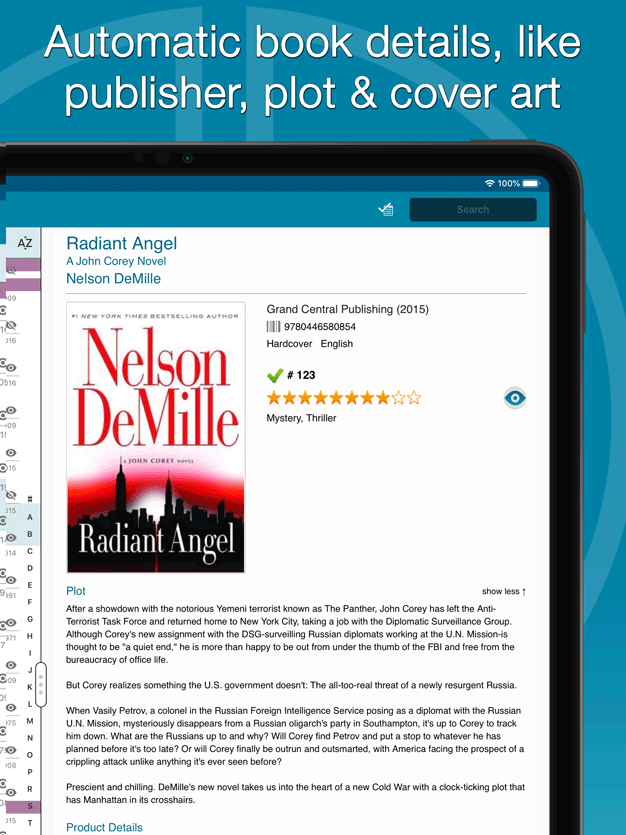
iPad



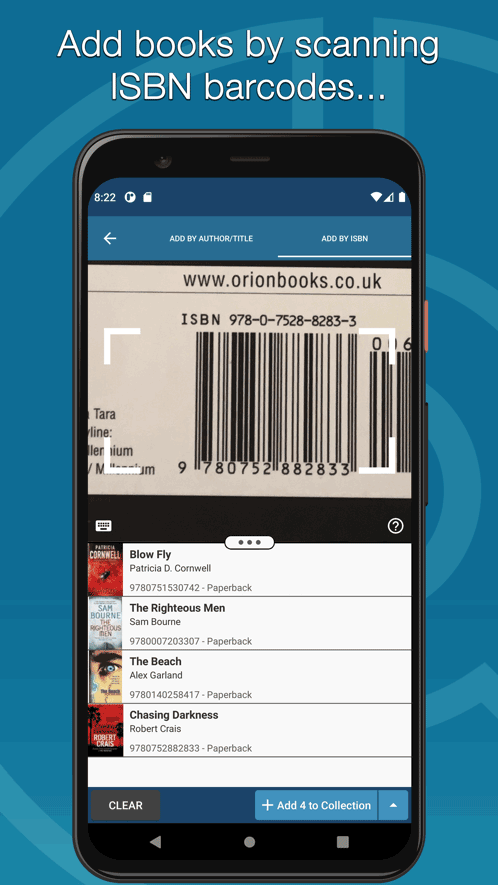
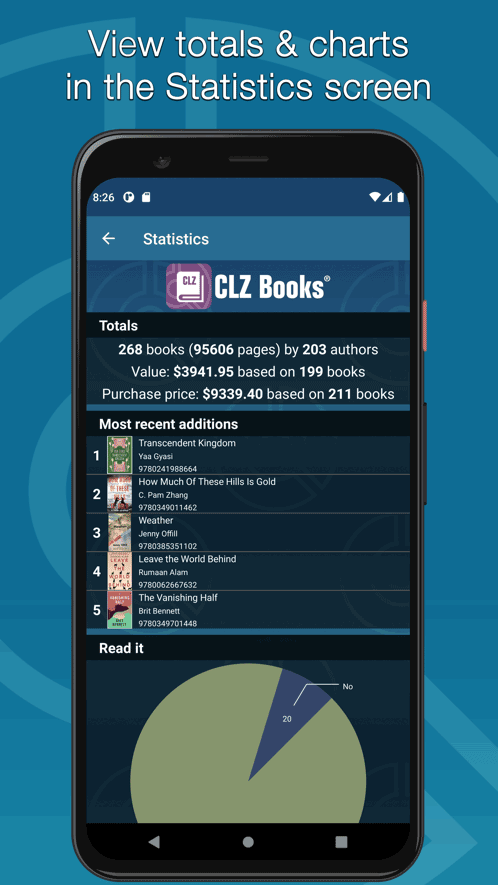
Phone



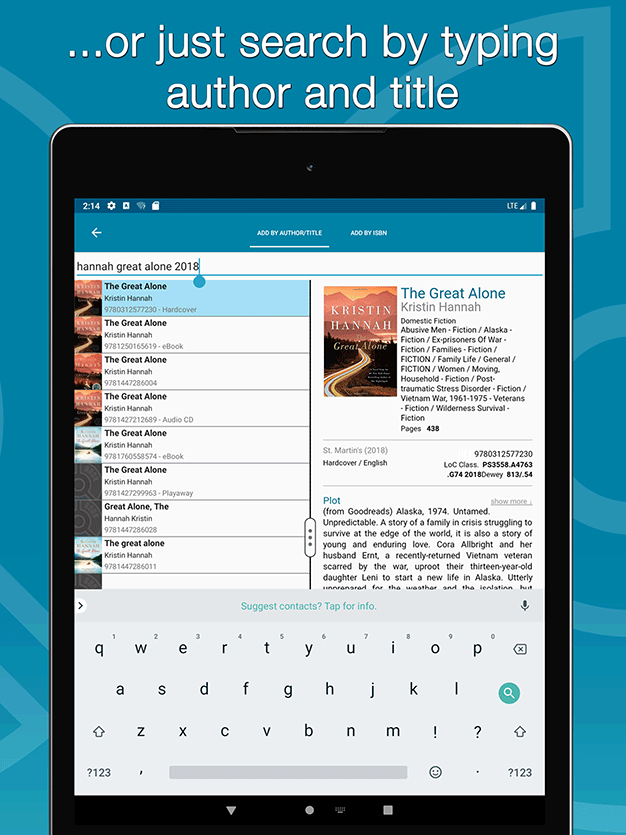
Tablet




Latest CLZ Books updates
iOS
CLZ Books 9 Feature Hilite: better “ISBN not found” handling April 24th, 2024
CLZ Books 9 Feature Hilite: Add Books screen improvements April 23rd, 2024
CLZ Books 9 Feature Hilite: the new collections tab-bar April 22nd, 2024
v9.0: Collection tabs, better Add Books and “ISBN not found” screens April 19th, 2024
v8.5.4: Added a new “Remove all unused pick list entries” option November 22nd, 2023
Android
CLZ Books 9 Feature Hilite: better “ISBN not found” handling April 24th, 2024
CLZ Books 9 Feature Hilite: Add Books screen improvements April 23rd, 2024
CLZ Books 9 Feature Hilite: the new collections tab-bar April 22nd, 2024
v9.0: Collection tabs, better Add Books and “ISBN not found” screens April 19th, 2024
v8.5.5: New “Delete CLZ Account” option December 6th, 2023
CLZ Books reviews from customers
April 10, 2024
Such a useful app
I first gave 5 stars to this in 2018. In 2024, it still delights. If I could give more I still would now. Such a useful app which is constantly being improved.
I have had occasion to contact them a couple of times and they have always been courteous, friendly and immediately helpful. I can thoroughly recommend.
I have had occasion to contact them a couple of times and they have always been courteous, friendly and immediately helpful. I can thoroughly recommend.
April 06, 2024
Ótimo aplicativo
Ótimo aplicativo para organizar sua coleção de livros, realizar registros de leituras e também é possível obter diversas informações através dos filtros, que podem ser criados e combinados até em 3 níveis de acordo com os critérios do leitor, por exemplo: "Ano de Leitura/Autor" (ver os autores que foram lidos em cada ano de leitura) ou "Ano de Leitura/Gênero/Autor" (ver primeiro o ano de leitura, em seguida quais gêneros foram lidos em cada ano e em seguida os autores). Vale muito a pena!
April 04, 2024
I like it very much
Thanks for your kind email, so far so good, I was using before Book Label and I was looking for an app similar. I'm in a baseball-book-group in Facebook and one of our members suggested me your app and I'm trying it and so far I like it very much!!
I bumped into a couple of books from my collection which were not in your database and I found it handy to add them for other users which is a good thing. If there's any problem I'm sure I could count on you to solve it. In the meantime, take good care and keep up the good work!!
I bumped into a couple of books from my collection which were not in your database and I found it handy to add them for other users which is a good thing. If there's any problem I'm sure I could count on you to solve it. In the meantime, take good care and keep up the good work!!
April 04, 2024
Excellent
Excellent app for book lovers like myself!!!
March 30, 2024
Don't know what I would do with out it
Been using this app for over 10 years. Don't know what I would do with out it. Great app very customizable keeps alot of info.
March 28, 2024
Great
I like this app. It’s simple, but it gets the job done. I love that it allows you to download your list of owned books (in multiple formats) so they can me uploaded to other apps that track reading statistics. There is a subscription option for those who want backup cloud storage too. I had an issue with my cloud account, but when I emailed for support, I was helped immediately. The agent was extremely, kind, helpful, and quick in helping me.
March 27, 2024
CLZ book app-smart choice
Like hot chocolate on a rainy night.
March 16, 2024
The best cataloguing application
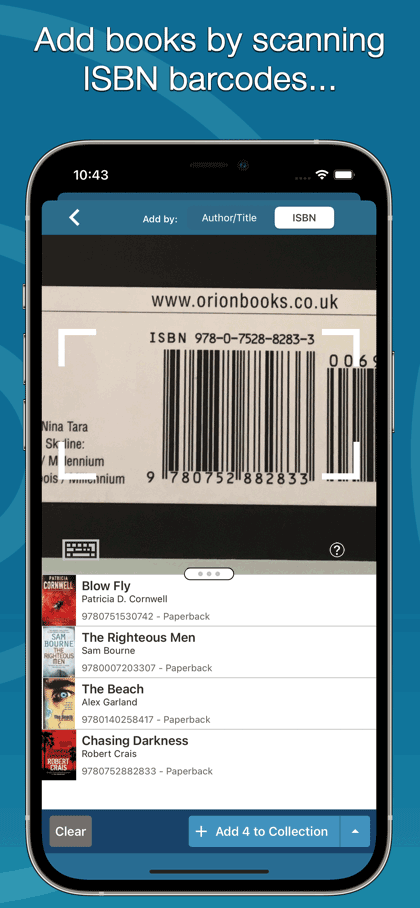
This is the best cataloguing application and the mobile version is a god send with the ability to scan ISBN bar code.
March 16, 2024
Incredible
Incredible app!! I love all CLZ apps.
March 08, 2024
I love CLZ Books!!!
It’s the best way for me to keep track of all my books.